







Easy web scraping
for AI agents
and humans
One open-source tool for data collection and scraping. Start from a single URL, crawl the site, and get structured data as pages load. Works with MCP and tools like Claude and Cursor, with ready presets for marketplaces like Amazon and eBay.
Crawl full websites and get data in one run
Yozh Crawler maps the full site structure and processes pages as they are found. You get both coverage and usable results in a single run, without managing separate crawl and scrape steps. It works directly inside your existing data collection and scraping workflows.
Yozh Crawler, integrated NEW
Start from one URL and map the whole site. Pages are discovered and processed in one run, so you get full coverage without extra steps.
Discovery mode NEW
Only need links? Switch to discovery mode and map the site without parsing. Faster, lighter, and useful for audits and structure checks.
Stealth browser
Matches headers, location, and browser signals to your proxy. Helps keep sessions consistent across different regions.
Batch scraping
Run hundreds of URLs in one request. Process everything in parallel with one clean output.
Two-stage cancel NEW
Stop jobs without breaking results. Let active pages finish or stop everything instantly when needed.
MCP integration
Connect directly with tools like Claude and Cursor. Use scraping and crawling as part of your existing workflows.
10 built-in presets
Amazon, eBay, Walmart, Google, Google Shopping, YouTube, LinkedIn, Bing, Yandex — pass the source name and parameters, get a normalized response. No selectors to write.
LLM self-heal NEW
A site ships a layout change and your CSS selectors return empty? The parser asks an LLM (OpenAI / Anthropic / Gemini / OpenRouter) to regenerate the selector on the fly. Pipeline keeps running.
AI-generated presets NEW
Need a site we don't ship a preset for? Describe what to extract and paste a sample URL — POST /api/v1/presets/generate returns a ready preset JSON.
Authenticated sessions NEW
Log in once via a declarative DSL (goto / fill / click / wait) or paste exported cookies. Reuse the session in every scrape. Required for walled targets like the LinkedIn preset.
Simple scraping infrastructure under your control
Set up your workflow in one place and run it the way you need. Everything is clear, organized, and easy to manage without extra tools.
Built-in proxies, ready to use
Access residential, mobile, and datacenter proxies in 120+ countries. Over 50 million IPs with 99.9% uptime. Includes fingerprinting support to align device, browser, and network behavior for stable sessions and better control.
Flexible data extraction
Use CSS selectors, XPath, or auto-detect for popular sites. Get clean, structured JSON without complex setup.
All data in one place
Get raw HTML, screenshots, and parsed data together. Everything you need, without switching between tools.
Simple control and MCP access
Stop jobs anytime with one click and switch between scraper and crawler. Your workflow stays simple and in your control.
AI agents built for web scraping and crawling
Connect Yozh Crawler and Yozh Scraper to Claude, Cursor, or any MCP client. Switch tools with one toggle, no extra code required.
Web scraping features
All Yozh Scraper features are available as functions for your agent, including scraping, batch runs, and screenshots.
One minute to connect
Copy the config, restart your client, and you're ready.
Works with any MCP client
Claude Desktop, Cursor, Cline, or custom agents.
Full control of the toolkit
Choose how your agent runs tasks, from single pages to full batches.
Run it your way
Use a local MCP server or deploy it on your own infrastructure.
// ~/Library/Application Support/Claude/claude_desktop_config.json
{
  "mcpServers": {
    "yozh-scraper": {
      "type": "http",
      "url":  "http://localhost:8000/mcp"
    },
    "yozh-crawler": {
      "type": "http",
      "url":  "http://localhost:8001/mcp"
    }
  }
}
// Cursor → Settings → MCP → Add new MCP Server
{
  "mcpServers": {
    "yozh-scraper": {
      "type": "http",
      "url":  "http://localhost:8000/mcp"
    },
    "yozh-crawler": {
      "type": "http",
      "url":  "http://localhost:8001/mcp"
    }
  }
}
// Cline → MCP Servers → Edit cline_mcp_settings.json
{
  "mcpServers": {
    "yozh-scraper": {
      "type": "http",
      "url":  "http://localhost:8000/mcp",
      "disabled": false
    },
    "yozh-crawler": {
      "type": "http",
      "url":  "http://localhost:8001/mcp",
      "disabled": false
    }
  }
}
// Anthropic Messages API · MCP via Streamable HTTP
// Note: scraper must be reachable from Anthropic's servers (deploy publicly)
import Anthropic from "@anthropic-ai/sdk";

const response = await new Anthropic().messages.create({
  model: "claude-opus-4-8",
  mcp_servers: [
    { type: "url", url: "https://your-host/mcp", name: "yozh-scraper" },
    { type: "url", url: "https://your-host:8001/mcp", name: "yozh-crawler" }
  ],
  messages: [...]
});
Crawl, stream, and parse pages in real time
Yozh Crawler starts from one URL, discovers pages across the site, and processes them as they load, giving you full structure and usable data in one run.
Live streaming
Pages appear as they are discovered and processed. Connect directly from your client, agent, or pipeline without waiting for full runs.
Discovery mode
Only need links? Map the site without parsing. Faster and more cost-efficient for structure checks and audits.
Two-stage cancel
Stop jobs safely. Let active pages finish or stop everything instantly when needed.
MCP target switch
Switch between scraper and crawler with one toggle. Your agent uses the right tool for each task.
Live site tree in the UI
See the site structure build in real time. Follow progress page by page without leaving the dashboard.
Result
▶ Site Map (0 pages)
| URL | Parent | Depth | Status | Took |
|---|
From one URL to full site coverage
The crawler finds pages, the scraper processes them, and your AI agent uses the results, built for both beginners and experts.
Crawler
Discovers all URLs
Yozh Scraper
Extracts to JSON
AI agent
Analyzes & decides
Competitive analysis
Track competitor catalogs, prices, and product details in one place. Find gaps in your own listings and respond faster to market changes.
Price monitoring
Track price changes across marketplaces automatically. Set alerts and get notified in Telegram or Slack when prices move.
ML training data
Collect clean, structured datasets from public sources, ready for analysis or model training. Built for reliable data collection at scale.
Start scraping right away with ready-to-use presets
Locales, currencies, selectors and anti-bot handling — already configured. Pick a preset to see what gets extracted.
Every Amazon listing, normalized
All fields below are extracted automatically — no selectors to write.
Need a site we don't cover yet?
Open an issue on GitHub or contribute your own preset — we review PRs within a week.
Proxies built for scraping
Three types, six configurations. Pick by job, speed, and budget.
Mobile 4G/5G
Real mobile devices on carrier networks. The highest trust tier with strict anti-bot systems.
Personal device, manual IP rotation via API
One device, multiple users
Learn more about Mobile proxies
How it works
Each IP comes from a real smartphone or LTE/5G modem connected to a major mobile carrier. The IP is shared by thousands of regular subscribers, so blocking it would block real users — which is why anti-bot systems trust mobile IPs the most.
Best for
- Account management on social platforms
- Aggressive anti-bot targets (Cloudflare, PerimeterX)
- Affiliate work and ad verification
- Tasks requiring sustained "human-like" trust
Specs
- 4G LTE and 5G networks worldwide
- UDP support, VPN VLESS connectivity
- Manual IP rotation via API or dashboard link
- OS fingerprint adjustment
- Unlimited bandwidth on most plans
Residential
IPs from real home internet users across 120+ countries. Access to 50M+ IPs with a strong balance of trust and cost.
Real routers, fixed IP for the whole rental period
100M+ IP pool, auto-rotate by timer or per request
Learn more about Residential proxies
How it works
Residential IPs are sourced from real home internet subscribers who consent to share bandwidth in exchange for compensation, through a transparent opt-in network. Their connection looks like any other home user — because it is one.
Best for
- Web scraping at scale (the sweet spot)
- Marketplace data collection
- SEO research, SERP scraping
- Brand and price monitoring
- Ad verification campaigns
Specs
- 120+ countries, 100M+ unique IPs in rotating pool
- Choose static or rotating based on the task
- City and ASN targeting available
- HTTPS, SOCKS5 protocols supported
- Sticky sessions up to 30 minutes
Datacenter
Maximum speed, minimum cost. 2M+ IPs across data centers worldwide.
One IP assigned to you, unlimited traffic
Shared pool, the budget option for simple jobs
Learn more about Datacenter proxies
How it works
IPs are hosted in data centers, not connected to home or mobile users. They're cheaper and faster than residential, but anti-bot systems can identify them as non-human, so use them where trust isn't critical.
Best for
- High-volume scraping of friendly sites
- Internal tooling and load testing
- API endpoints with no IP-trust filters
- Tasks where speed matters more than disguise
Specs
- 2M+ IPv4 and IPv6 addresses
- Dedicated or shared configurations
- Unlimited bandwidth on dedicated plans
- HTTPS, SOCKS5 protocols supported
- Lowest latency of all three types
Ethics is built into how we run our platform
Open-source code is just the starting point. How data is collected and how proxies are sourced matters just as much. These are the standards we follow in practice, not statements on a page.
Ethical data collection
We build tools, not loopholes. Yozh Scraper is engineered to make legitimate, public-data scraping reliable — not to break things that should stay closed.
- Publicly accessible data only — no logged-in scraping by default
- Built-in rate limits prevent server overload
- robots.txt and sitemap respect by default (overridable)
- No PII collection or storage — neither by us, nor by default for users
- Tooling that helps you stay GDPR and CCPA compliant
Transparent proxy network
Where residential IPs come from is the honesty test for every proxy provider. Here's where ours come from — explicitly:
- Opt-in network. Real users consent and earn for sharing bandwidth
- One-click opt-out at any time, no questions asked
- Audited supply chain with documented sourcing
- Zero malware, zero hidden SDK injection — ever
- Mobile IPs from devices we own and operate, not from compromised handsets
Fast abuse response
If someone misuses our infrastructure to harm others, we want to know — and act on it before it gets worse.
- Direct line to a real human, not a ticket queue
- Transparent investigation process for every legitimate report
- Active cooperation with law enforcement on confirmed cases
- Public abuse policy, not buried in fine print
If a use case involves misuse or harm, our tools are not built for it. We prioritize responsible use over customer growth.
If a use case requires hiding identity to harm others, our tools aren't for it. Period. We'd rather lose the customer than the principle.
Our policies and standards
Clear rules that guide how we operate, from data collection to proxy sourcing and platform use. These are the actual policies our team follows, not summaries.
How teams use
CyberYozh Data
Real-world deployments
Web scraping & analytics
Automate large-scale collection of public data: product catalogs, ratings, reviews, geo-data. Yozh Scraper plus residential proxies — legal, stable, and clean.
Read more
AI agents & automation
Build autonomous agents that scrape, analyze, and act. MCP integration turns Yozh Scraper into a native tool for Claude and Cursor — no custom integration needed.
Read more
E-commerce & marketplaces
Track prices, inventory, and product availability across Amazon, eBay, and the rest of the world's marketplaces. Presets save weeks of engineering.
Read moreWhat press and businesses say
Honest takes from independent sources
All articles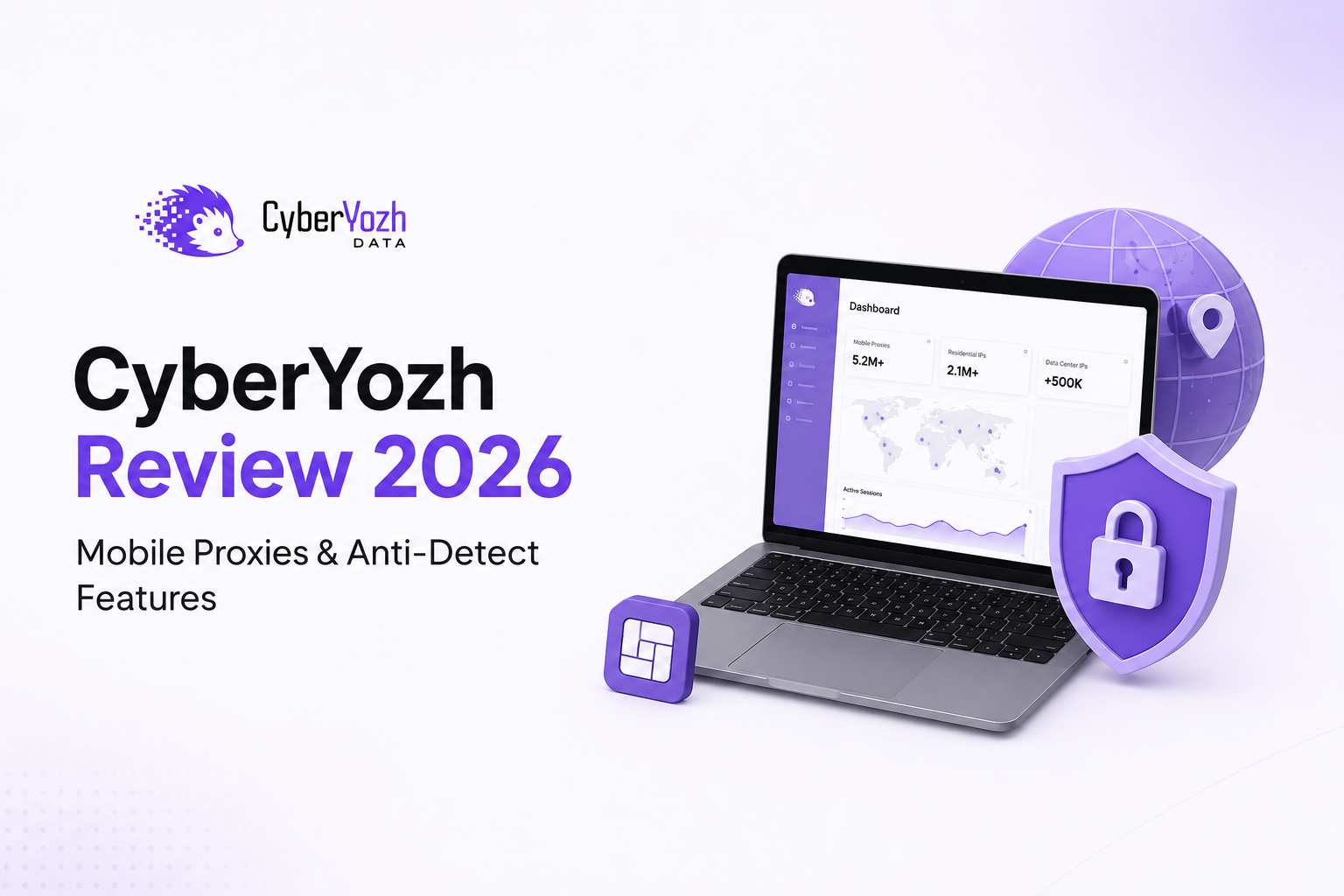
AFFMaven Reviews CyberYozh's Proxy & Multi-Accounting Platform
"CyberYozh stands out as a powerful platform for affiliates and arbitrage teams, combining reliable proxy infrastructure, identity tools, and strong support in one ecosystem."
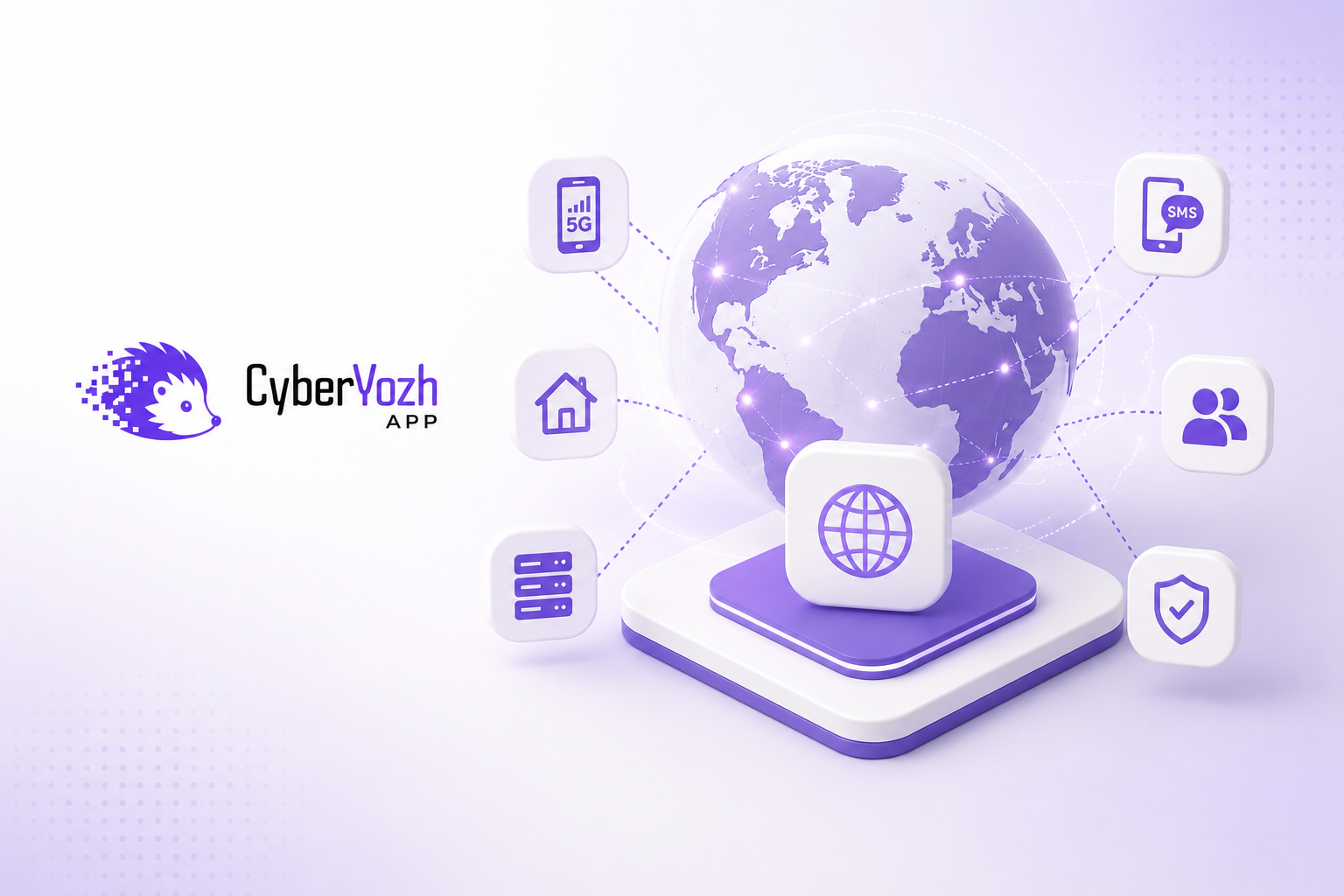
TechBullion Covers CyberYozh's B2B Platform Expansion
"CyberYozh App enables businesses to launch, test, and operate digital products across more than 30 countries through a scalable infrastructure built for global connectivity, verification, and digital operations."
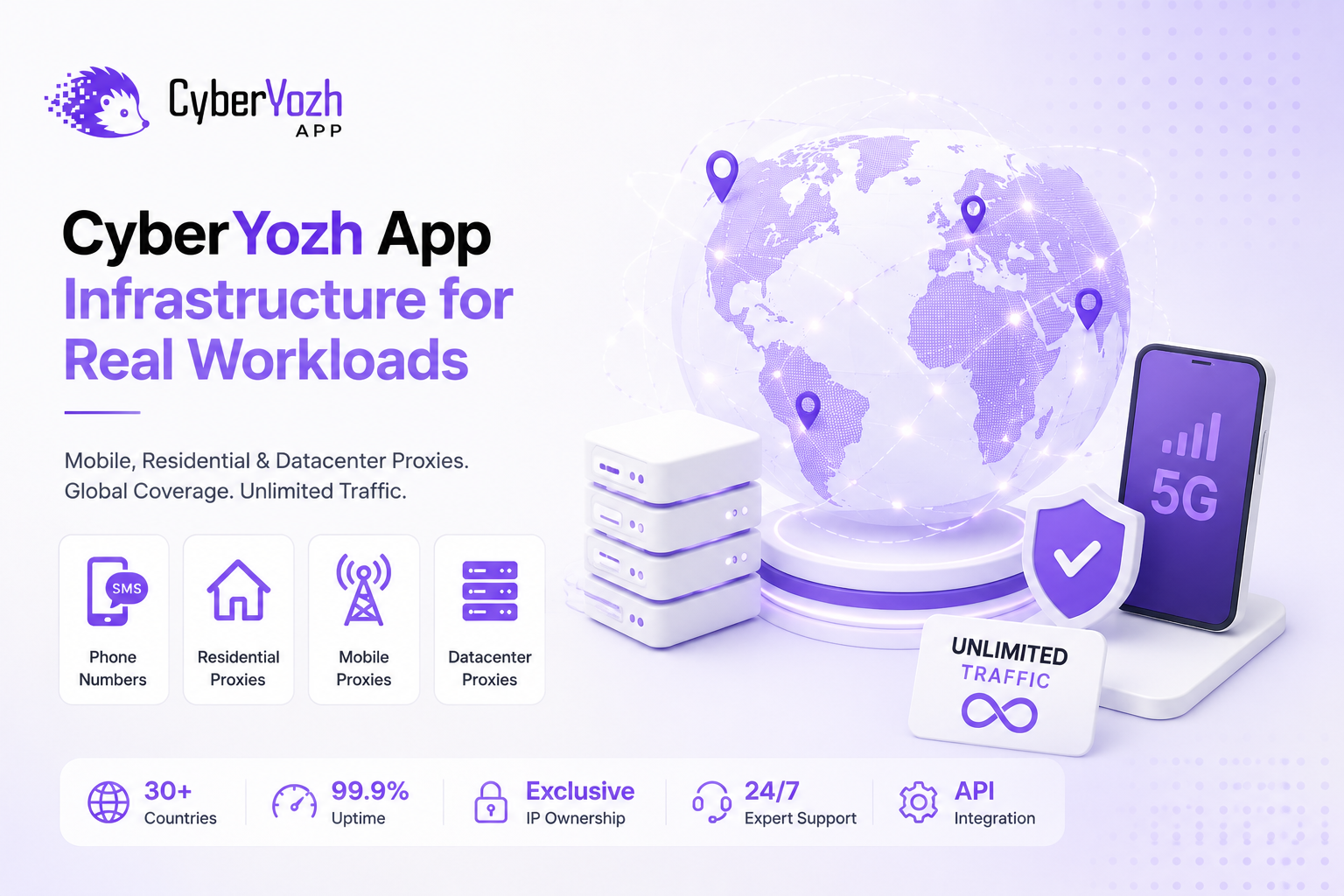
Grit Daily Highlights CyberYozh's Infrastructure for Enterprise Proxy Workloads
"Built for organizations that rely on proxies every day, CyberYozh App delivers infrastructure designed for stability, scalability, and high-volume workloads rather than one-off sessions."
About web scraping, crawling, and AI agents
Blog and articles
All articles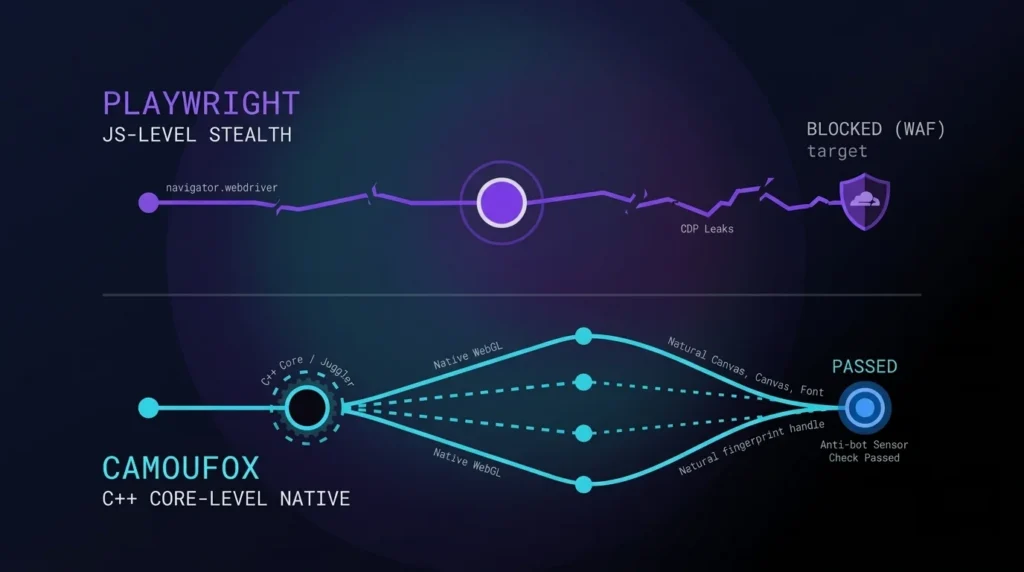
Playwright vs Camoufox: The Future of Anti-Detect Browser Automation
Data extraction security has changed. In 2026, Cloudflare and DataDome do not rely on basic user-agent parsing. These platforms evaluate behavioral biometrics alongside structural TLS fingerprinting…
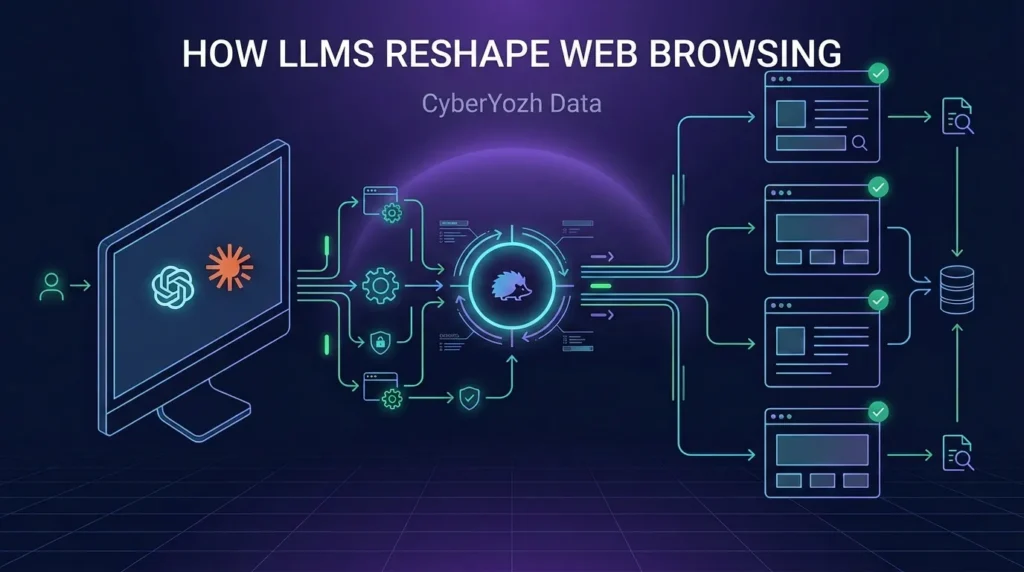
Browse AI: How LLMs Reshape Web Browsing
AI web browsing turns a normal browser into an assistant that reads pages, clicks buttons, and fills forms for you. Instead of manually repeating the same…
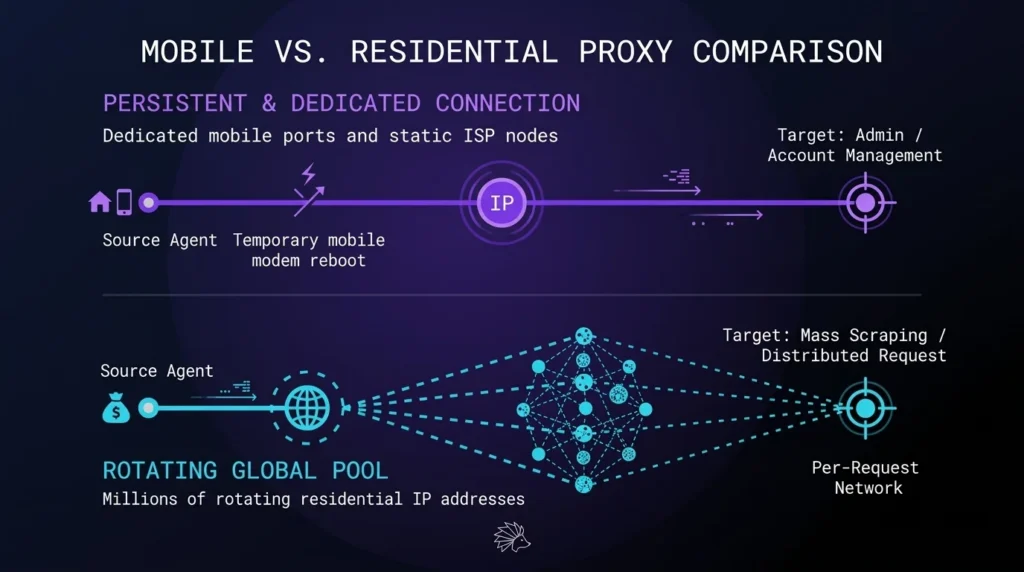
Mobile vs. Residential Proxies: Which IP Type Wins for Data Extraction
Selecting the optimal IP infrastructure directly shapes your project architecture. Writing flawless Python code cannot compensate for a network footprint that contradicts your application data. Modern…
Web scraping changelog and updates
Yozh Scraper is open-source, with all updates available on GitHub. Here are the latest highlights.
v0.1.14
- BREAKING (Google):
GET /search?engine=googleand the built-in Google - BREAKING (Google locales): every Google locale now requests
- The chromium Google twins stay on the residential pool and are marked as
- A preset that runs on direct egress no longer applies a locale's proxy-country
resolve_redirectson the Google presets resolves the SERP's/gotostubs
v0.1.13
- Row-scoped extraction. An extract rule takes a
containerselector; every device=legacy_wap— a feature-phone identity that unlocks Google's no-JSresolve_redirects— names extracted fields whose values are the page's- New built-in presets:
ozon_search,ozon_product,mobile_de_search, - A warning when a search engine answered a different query than the one asked.
v0.1.12
- Every built-in preset now ships as an explicit per-engine variant,
<name>_chromiumand<name>_camoufox(e.g.google_search_chromium,yandex_search_camoufox). A request names the exact variant it wants; each preset carries its ownbrowser_engine. - Structured, correlated logging: business events get stable names and a request/job correlation id threaded through the scrape -> queue -> browser chain, so success/error rate and latency are answerable from logs. An opt-in JSON log shape is available via
LOG_FORMAT=json(defaulttext). - Browser egress policy knobs: an
EGRESS_ALLOW_HOSTSallowlist (empty by default) and anEGRESS_TRANSPORT_GUARDtoggle (on by default). - BREAKING (presets): the old single-name built-ins (
google_search,google_shopping,amazon_product,amazon_search,bing_search,ebay_search,linkedin_profile,walmart_product,yandex_search,youtube_video) are replaced by their per-engine variants. A request using a bare old name now returns 404preset_not_found; append the engine suffix (_chromium, or_camoufoxfor the two anti-bot targetsyandex_searchandwalmart_product). - BREAKING (deploy):
GET /api/v1/proxies/availableand the entire/api/v2/prem-proxies/*catalog now requireSERVICE_TOKENand fail closed (503 when the token is unconfigured, 401 without it). Any consumer of these endpoints must send theX-Service-Tokenheader; deploy the consumer first, or its calls degrade (for the proxy geo catalog, silently).
v0.1.11
- The job results response carries
unreadable_slots. A job with one corrupt or schema-skewed result slot now returns its other pages (HTTP 200) and names the bad slot, instead of the whole job failing with a 500 and becoming un-cancellable until its TTL expires. - The login-replay page is masked with the same host-aligned WebGL/GPU, native-looking
navigator, and Client-Hints (Sec-CH-UA) as the main fetch path, via a shared page-preparation helper. A credentialed login no longer submits a contradictory fingerprint (previously a macOS GPU and aHeadlessChromeClient-Hint under a Windows user agent). - Self-heal can no longer persist a degraded preset over a working one. It now contributes only the regenerated selector (and its dialect), keeping the preset's
all/attr/post_processand required fields, and it is graded against the original contract — so a heal that returns a bare string where a coerced list belongs is no longer counted as a recovery. It also never heals from a transient 5xx error page. This closes a class of silent preset corruption. - Proxy credentials are kept out of logs, error messages and 502 response bodies. The SOCKS bridge, the rotating-credentials response and the username log no longer emit
user:pass; a shared redactor masks proxy URLs while preservinghost:portfor diagnostics. litellmis bounded<1.98: 1.98.0 importsNotRequiredfromtypingunguarded and fails to import on the Python 3.10 this project targets, so a fresh install or image build would produce a container that cannot start.
v0.1.0 - Durable queue, Camoufox engine & CyberYozh proxy v2
- New required services. Browsers no longer run inside the API process. You must now run the
redisandscraper-workerservices (both are already indocker-compose.yml). Scale capacity withdocker compose up -d --scale scraper-worker=N. POST /scrape/pageand/scrape/pagescan now return503 queue_fullwhen the Redis stream depth exceedsQUEUE_MAXSIZE(previously the in-memory queue was unbounded).- Removed env vars (ignored, warned at startup if set):
JOB_TIMEOUT_MS→ usePAGE_TASK_TIMEOUT_S;JOB_RESULT_MAX→ eviction is now a native Redis TTL (JOB_RESULT_TTL_S);JOBS_ENABLED→ the queue is always on. - New env vars:
REDIS_URL,PAGE_TASK_TIMEOUT_S,LOGIN_TASK_TIMEOUT_S,LOGIN_RESULT_GRACE_S,RECLAIM_IDLE_S,JOB_RESULT_TTL_S,BROWSER_MAX_PAGES,BROWSER_IDLE_SHUTDOWN_S,WARMUP_DWELL_MS. - The in-process job queue and browser worker pool are replaced by a taskiq stream on Redis. The
web-scrapercontainer only enqueues page tasks and reads results; browsers run in separate, horizontally scalablescraper-workercontainers.
Get started with web scraping in seconds
Three commands and you have a running scraper + crawler with HTTP and MCP endpoints.
git clone https://github.com/\
  CyberYozh-data/yozh-scraper
cd yozh-scraper
cp .env.example .env
docker compose up --build
curl -X POST localhost:8000/api/v1/scrape/page \
  -H 'Content-Type: application/json' \
  -d '{"url":"https://example.com"}'
Get in touch
A real human reads everything that comes in. Pick the channel that fits — Telegram is the fastest.
Ready to scrape?
Yozh Crawler + Scraper is free. Forever. Star us if it helps — every star counts.
Yozh Crawler + Scraper is distributed under the MIT license. Use it. Fork it. Build with it.